VST3 tempo-synchronized audio pulse
SEQUA
Turn a sustained sound into a living phrase.
A performance effect for adding rhythm and movement to sustained sounds.
Private studio build. A public download is not available yet.
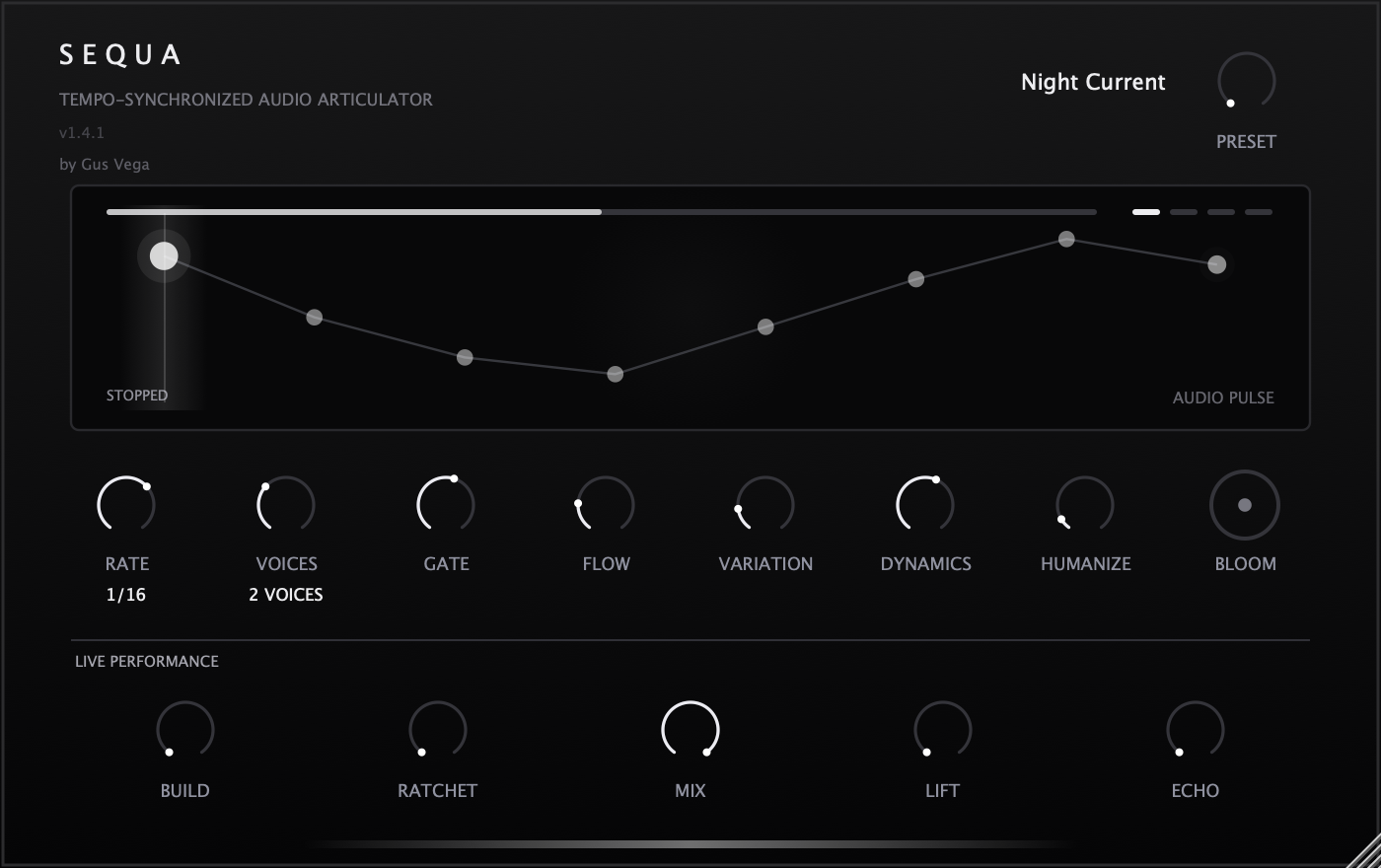
SEQUA guide
Getting started.
Place SEQUA directly after an instrument on the same track. Select a program and start host transport for synchronized movement. Rate and Gate set the main articulation; Voices and Flow develop the phrase.
Use Build and Ratchet for tension, Lift and Echo for transitions, and Mix to return toward clean source. While stopped, audio can free-run for audition and the visual timing freezes.
Interface version 1.4.1. These notes describe the current build.